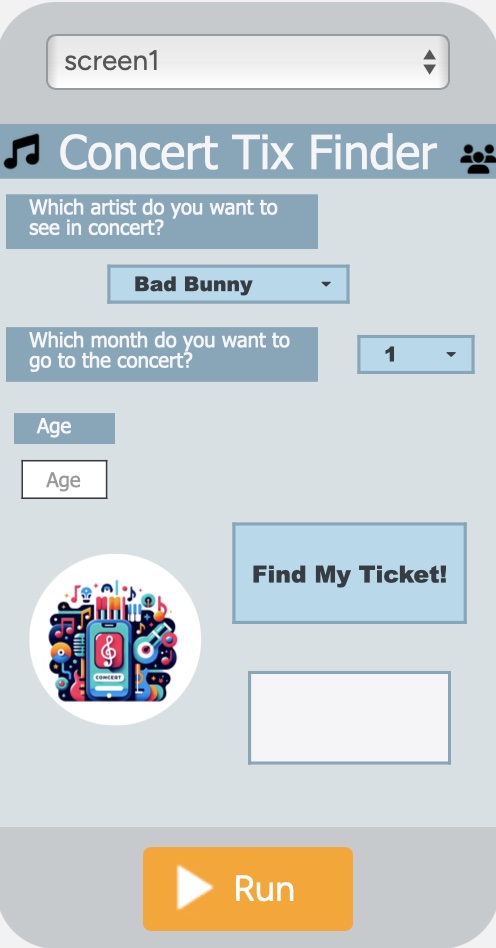
U4Ch1L8_ Level2_ Conditionals _ Make Purpose: Students will apply their skills in order to rewrite Conditional Statements. Activity: Build This App! Based on the Skills You Learned! Step #1: Open Level 1 and Run the Program! Journal: Answer the following Questions:
|
![]() |
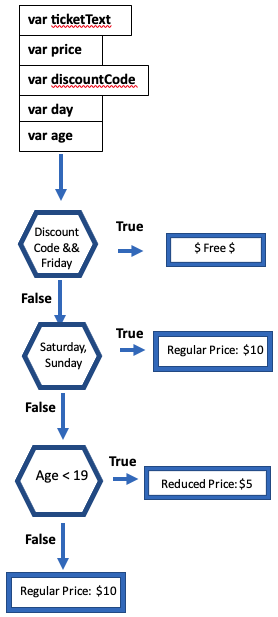
Step #2: Create a Flowchart of How This Program Will Run.
Step #3: Open Level2! This App does not work! It has no code. You now need to write the program based on everything you have learned so far.
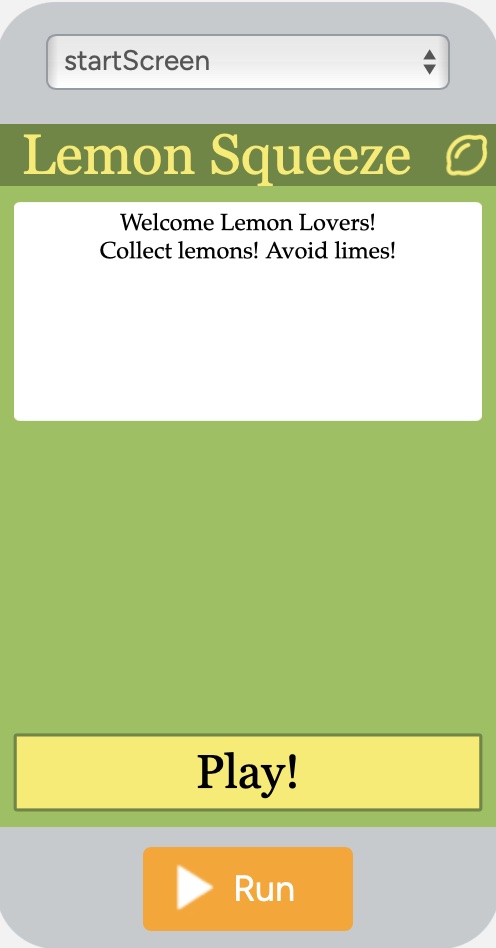
| Lemon Head U4Ch1L6 |
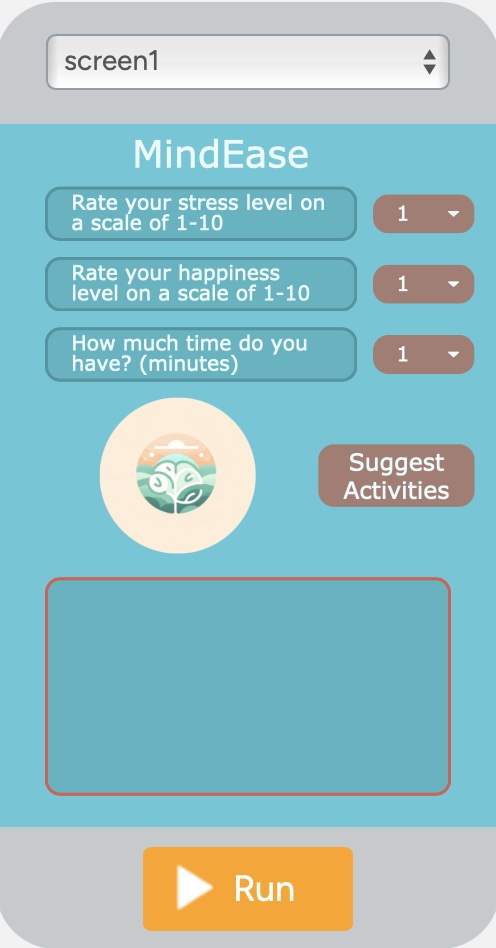
MindEase U4Ch1L7 |
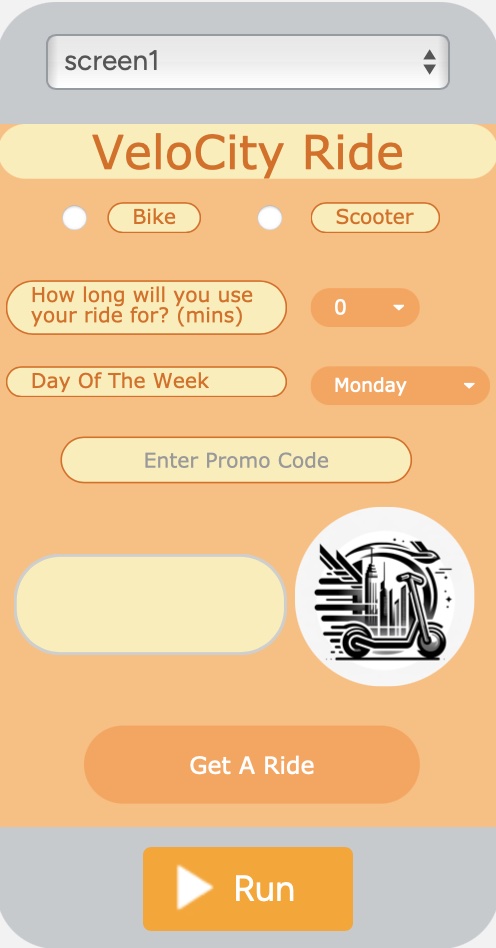
VeloCity U4Ch1L7 |
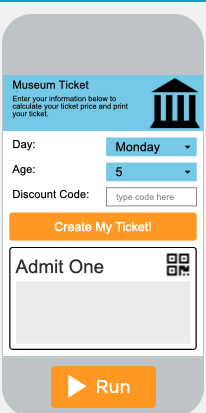
Tix Finder U4Ch1L7 |
![]() |
![]() |
![]() |
![]() |
1. Create Variables
2. onEvent/button/click
3. Update Variables
4. Begin ‘else if’ statements
Begin writing this section by entering the Most Specific Rates and place it in an "if" statement, and end with the most Basic Rate of $10 in an "else" statement:
if
else if
else if
else
4a. In this program the Most Specific Rate is the Discount Code Entry
4b. Next write the Code to Check if it's a Weekend. Everyone pays full price on weekends.
4c. Next write the Code to Check if it's a Child. You've already checked if it's a weekday so there's no need to check the day. Just write the code to check if they're a child.
4d. Finally, if none of the conditions above apply, then the final section ends with an ‘else’ statement:
4c. Now let’s generate the Message to be seen on the ‘Display’ - I am giving it to you!

You are Done…Test It!